


Paid search sends buyers who are already looking for products. For Shopify stores and online shops, PPC is the fastest way to get targeted traffic, test product-market fit, and drive sales while organic channels grow. Done right, it fills the top of the funnel with shoppers who are ready to buy.
Done poorly, it wastes budget and creates noisy data. This checklist gives a practical, step-by-step approach you can use to build better campaigns and squeeze more value from every dollar.
What is PPC?
PPC (pay-per-click) means you pay only when someone clicks your ad. Platforms like Google and Microsoft show ads in search results and on partner sites; social platforms show ads in feeds.
The core idea is simple. Target the right search terms or audiences, send clicks to a relevant landing page, measure performance, and optimize. For e-commerce, the goal is usually purchases, so track revenue and cost per acquisition, not just clicks.
Types of PPC platforms
- Search ads (Google, Microsoft): Great for intent. People searching “buy running shoes size 10” are close to purchase.
- Shopping ads (Google Shopping, Microsoft Shopping): Product images, price, and merchant info appear above search results. High conversion for product listings.
- Social ads (Facebook, Instagram, TikTok): Best for discovery, remarketing, and building product demand with visual creatives.
- Display & Programmatic: Good for remarketing and brand awareness at scale, but watch viewability and fraud.
- Video ads (YouTube): Use to demo products and retarget engaged viewers with offers.
- Remarketing/retargeting platforms: Re-engage visitors who added to cart or viewed product pages but didn’t buy.
Campaign Setup Basics
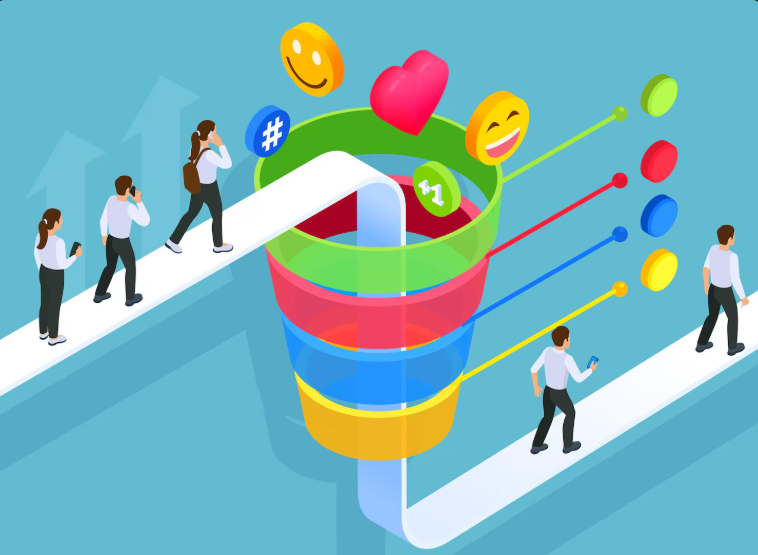
Start simple and scale. For Shopify stores, begin with a small set of focused campaigns: Brand, Product/Category, and Remarketing. Link your store to Google Merchant Center and set up shopping feeds correctly.
Use conversion tracking (Google Ads conversion pixels and Shopify order data) so every sale is attributed. Set realistic budgets for testing and don’t expect profitable ROAS on day one. Initial tests tell you which products and audiences to scale. Group similar SKUs and match ad copy and landing pages to search intent.
Ad Copy & Landing Page Tips
- Match intent: If someone searches “buy men’s wool coat,” the ad and landing page should show purchase options, sizes, and price.
- Clear value proposition: Lead with what sets the product apart. Free shipping, sustainable fabrics, quick delivery.
- Strong call to action: Use direct CTAs like “Shop Now,” “Buy Today. Free Returns.”
- Use product data in ads: Prices, ratings, and promo badges boost CTR on shopping and search ads.
- Landing page relevance: Send clicks to product pages or dedicated landing pages that remove friction (fast load, visible price, add-to-cart button).
- Mobile-first design: Most shoppers use phones; make buttons large, forms short, and checkout simple.
- A/B test continuously: Test headlines, images, CTAs, and layout to see what converts best.
Budgeting & Optimization
Set test budgets based on product margin and target CPA. Start by testing a few keywords or shopping SKUs with modest spend for 7–14 days. After initial data, pause losers and move the budget to winners. Use ROAS and CPA as your guiding metrics, but also watch volume and click quality.
Implement automated rules for bid adjustments on time of day, device, and geography. For large catalogs, use data feed rules and custom labels to prioritize high-margin items. Remember: scaling profitable ad sets is more valuable than launching more low-performing ones.
Common PPC Mistakes to Avoid
Many e-commerce advertisers make the same errors:
- Ignoring negative keywords, which wastes clicks on irrelevant searches.
- Sending traffic to generic pages instead of product pages.
- Running all campaigns with the same bids and budgets rather than testing.
- Forgetting to include shipping or returns info. Surprises kill conversions.
- Not syncing currency, tax, and availability data between Merchant Center and Shopify feeds.
- Turning off campaigns after a short test period. Some products take time to find their audience.
Performance Tracking & Reports
Track these core metrics:
- Conversion rate
- CPA
- ROAS
- Average order value (AOV)
- Lifetime value (LTV)
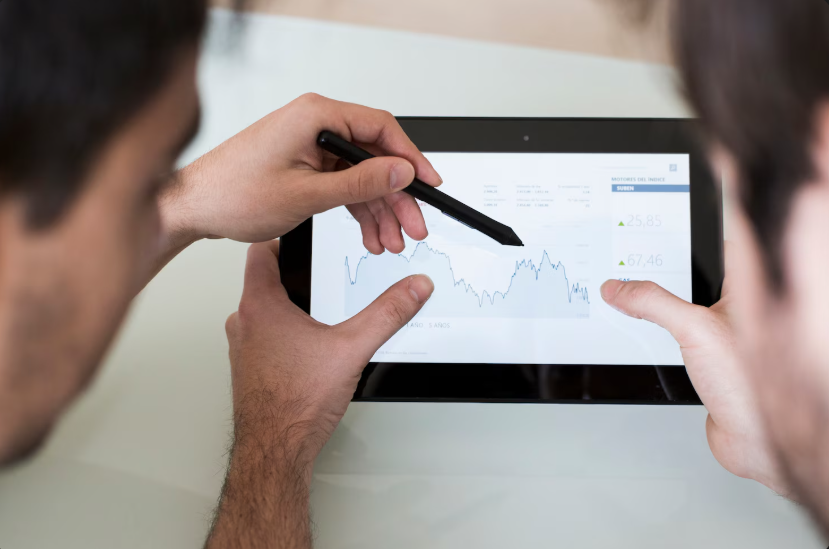
Use Shopify reports, Google Ads, and Google Analytics to reconcile data. Build a weekly dashboard to monitor top campaigns and SKU-level profitability. When optimizing, make one change at a time so you can attribute impact. Use experiments for bidding strategies (target CPA, maximize conversions) and compare results before a full rollout.
Final step: Scale with Rules and Guardrails
Once you find profitable campaigns, scale carefully: increase budgets incrementally, broaden keyword match types, and expand audiences while keeping CPAs in check with bid strategies and negative keyword lists. Automate routine tasks with rules and scripts to stop losing streaks quickly.
PPC is never “set and forget”. It rewards continuous testing and disciplined scaling. If you want a focused PPC audit or a growth plan tailored to your Shopify store, First97Days can help you set up measurable campaigns and scale profitably. Contact First97Days to get started.
